Web acoustic simulator
for real venues.
From the first idea to a finished SPL report — in minutes. Import any venue, let it detect the audience, paint the heat map, export the PDF. It feels light; it hides serious science.
Concept → report, in three moves
Everything you do flows toward a deliverable — and you actually enjoy the process.
Build the venue
Import a CAD model, draw it, or generate one parametrically. Real or imagined.
Simulate the sound
Drop speakers, press On — the SPL heat map paints every seat, per frequency.
Deliver the PDF
Capture views, auto-build summary tables, export a branded, client-ready report.
It finds the audience for you.
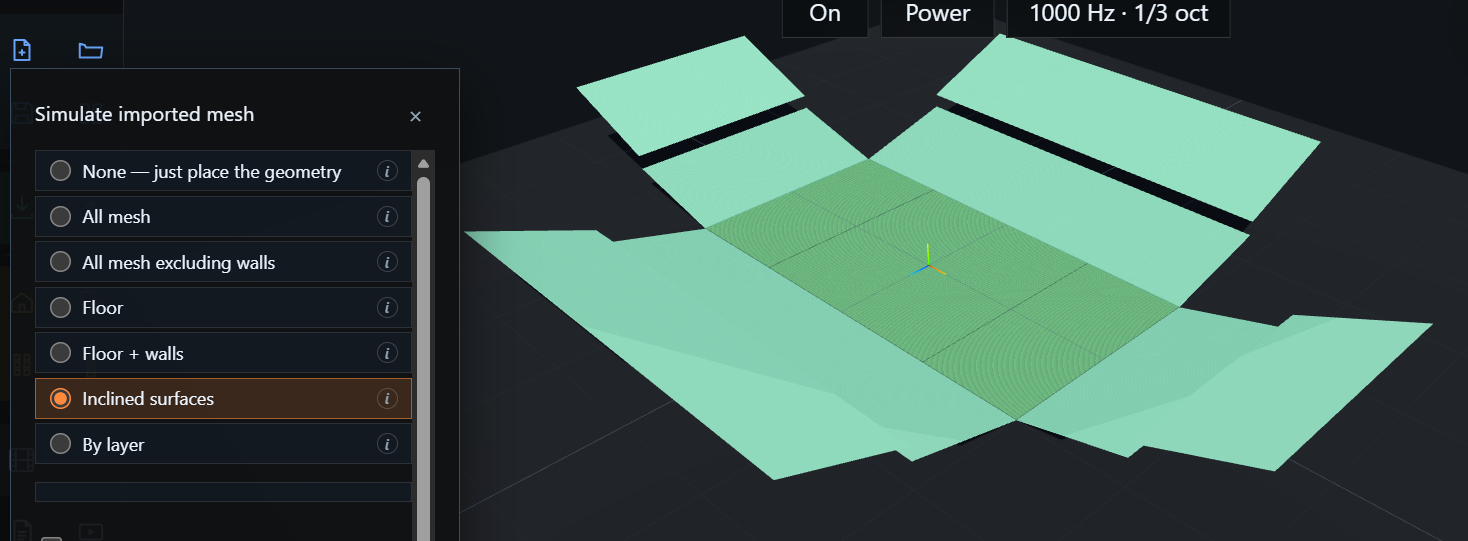
Telling acoustic software where people sit used to cost an afternoon of hand-tracing. Fast Venue detects the surfaces automatically — floors, raked tiers, bleachers — straight from your imported geometry.
Pick a mode (All mesh · Floor · Inclined surfaces · by layer) and it traces the seating in one step. Drop a speaker and the heat map confirms it. Seconds, not hours.
Light to use. Heavy science underneath.
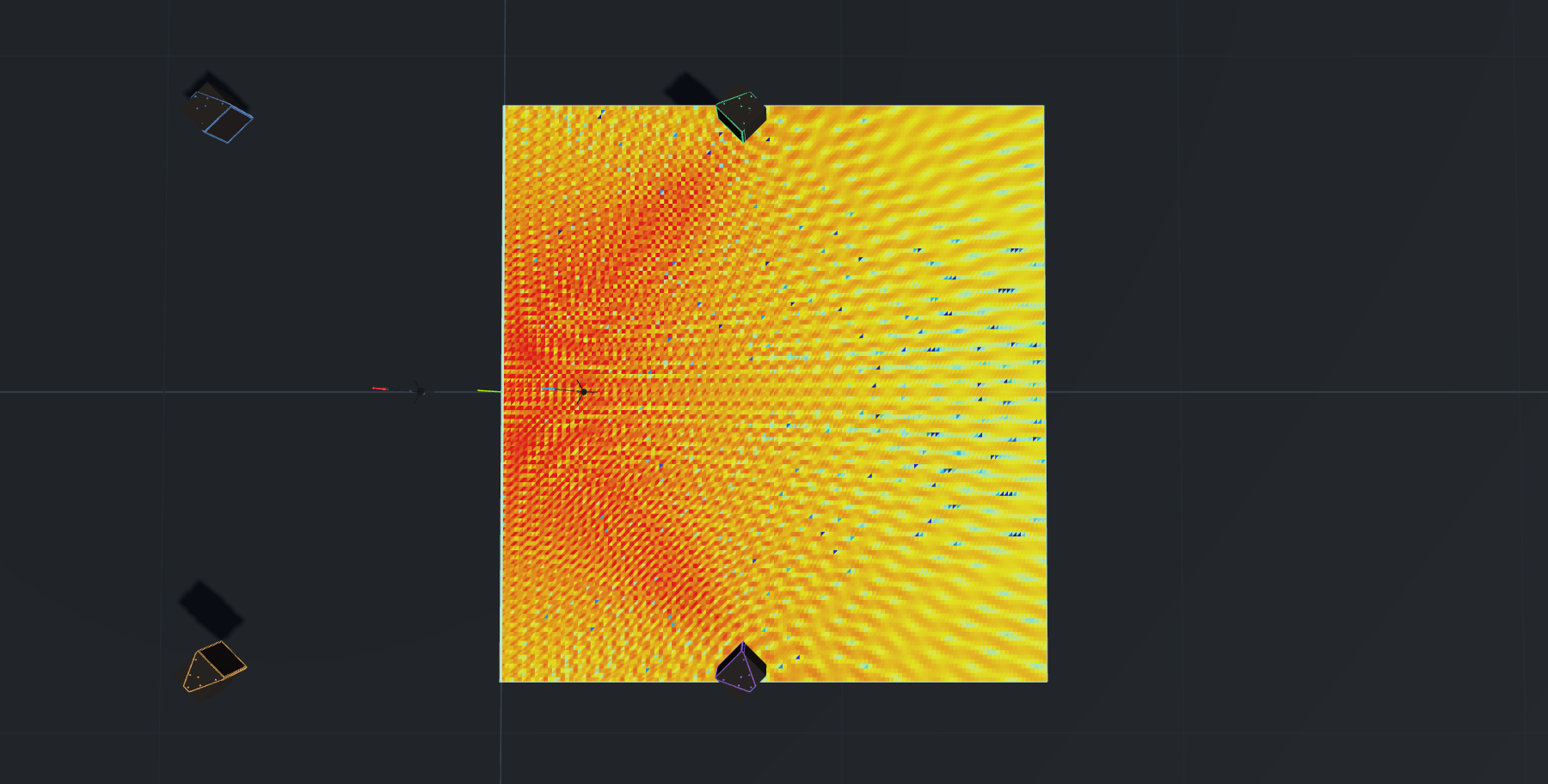
Switch to Phase mode and you're looking at real interference — the comb lobes where arrivals cancel and reinforce. Per-speaker polar data, every frequency band, dBA to dBZ.
A full acoustic workshop
SPL heat map
Power or phasor summation across the audience, live, per frequency & bandwidth.
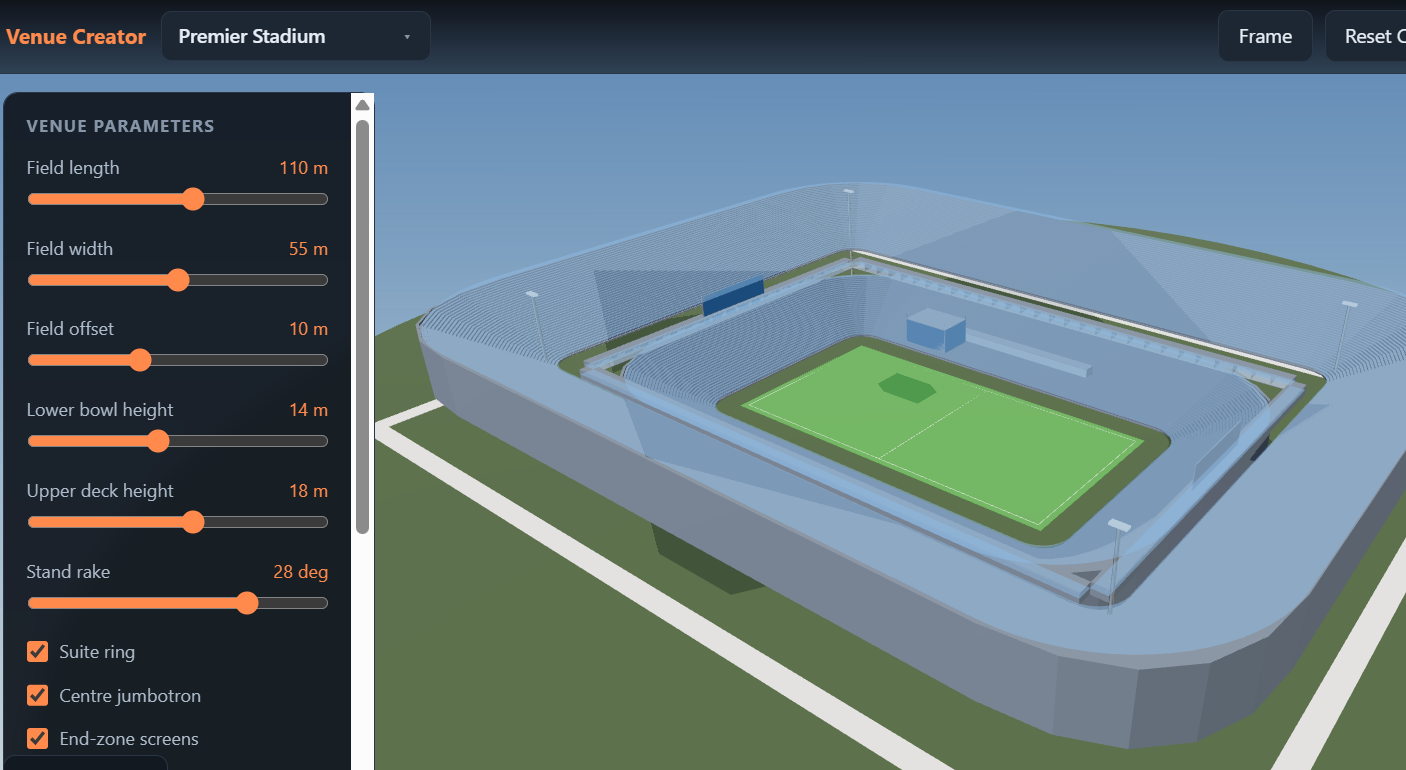
Venue Creator
Generate parametric venues — 80+ types, stadiums to churches — with live sliders.
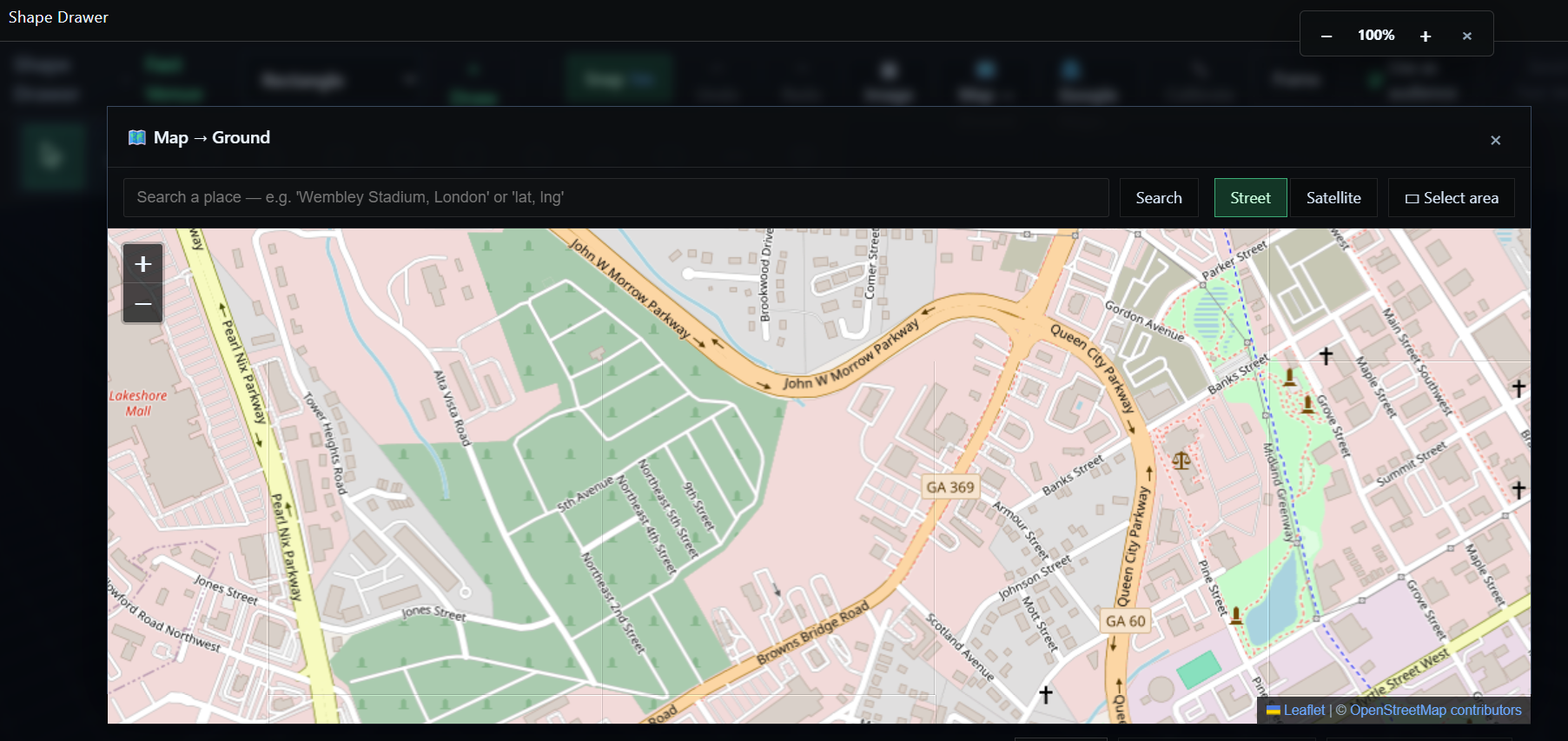
Shape Drawer
Draw any footprint, even over a live satellite view, to real-world scale.
Speaker Total Control
Gain, delay, mute, solo, polarity — and move each box along its own axes.
Frequency Response
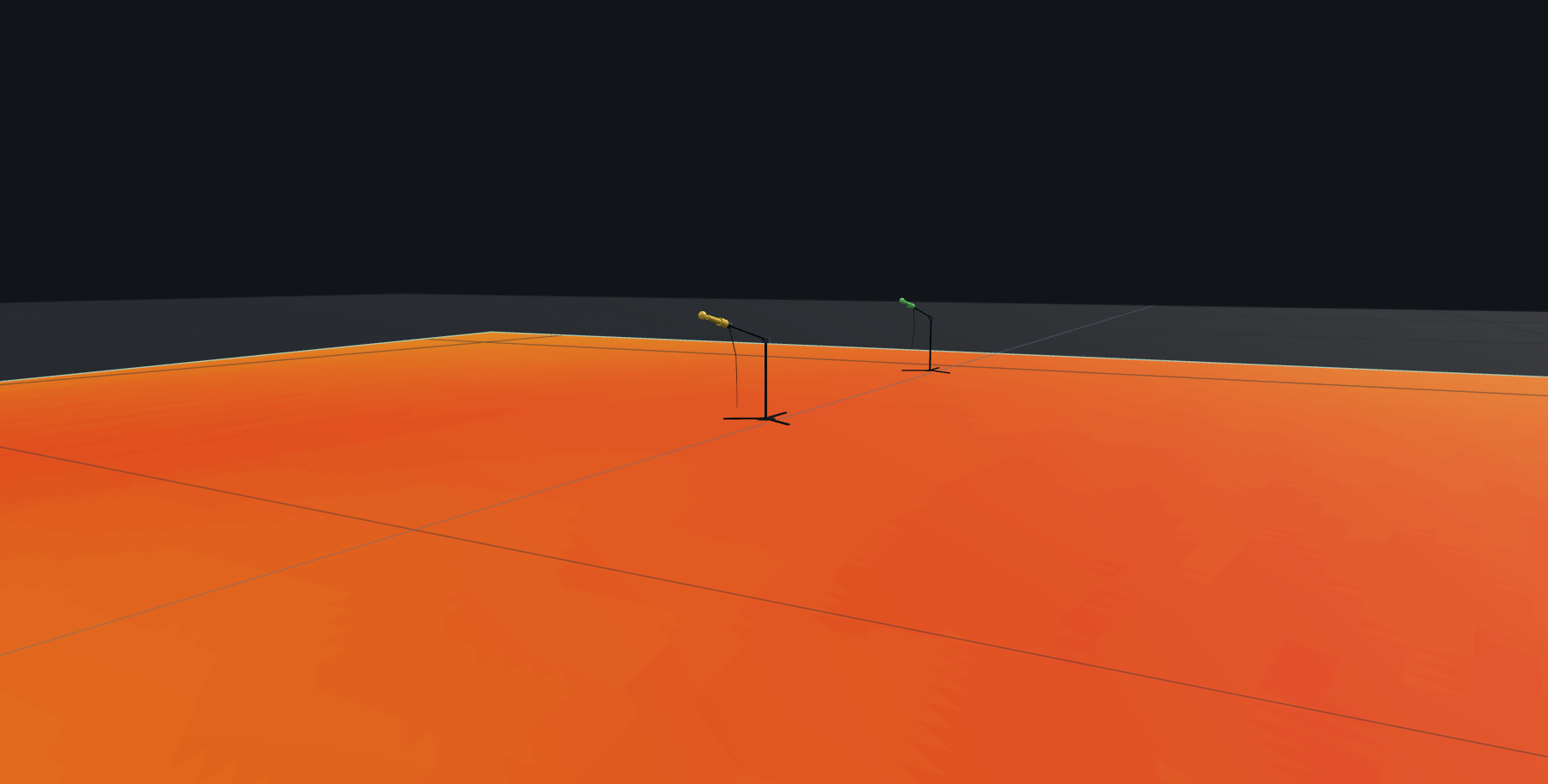
Virtual measurement mics with magnitude & phase, 20 Hz – 20 kHz.
Shadow zones
Instantly see which seats no speaker can reach in a straight line.
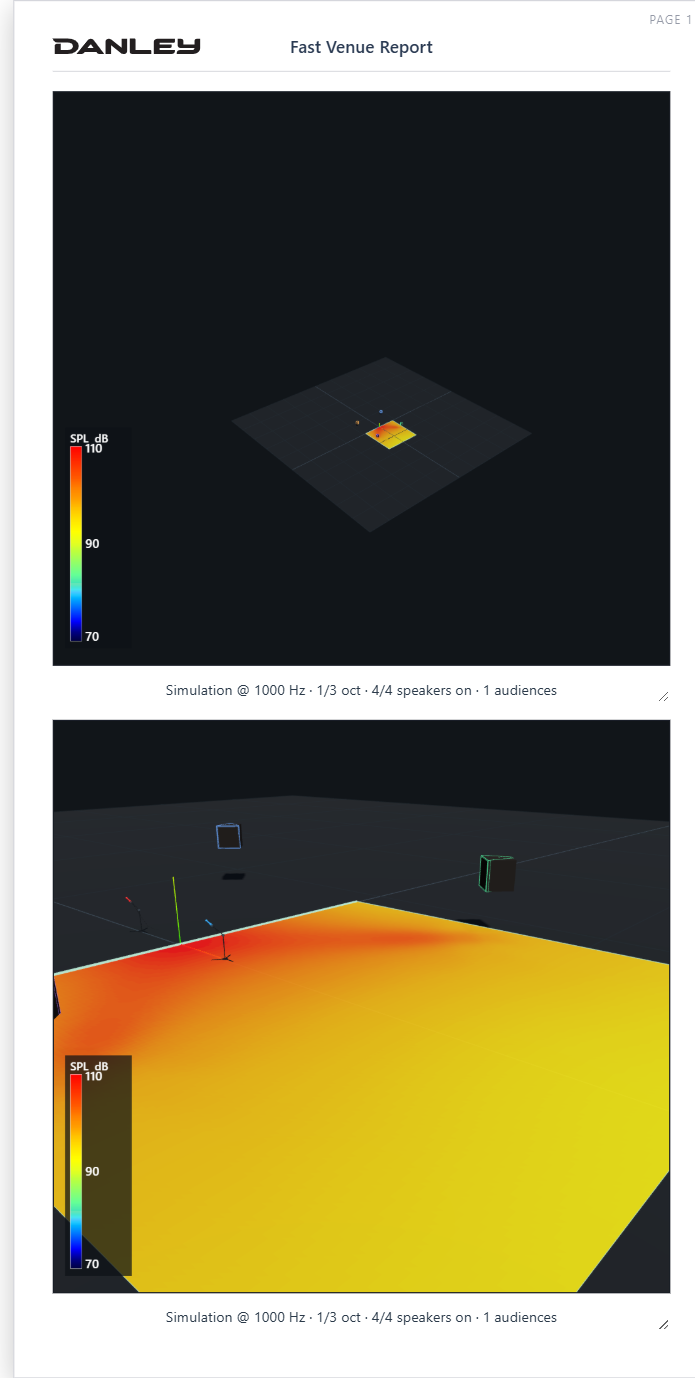
PDF reports
Capture, caption and summarize — a branded deliverable, built live.
Movies
Record cinematic tours that replay in the engine and travel with the project.
No CAD model? Generate one.
Pick a venue type, tune the parameters, watch the 3D rebuild live — then send it straight into the acoustic engine. Iterate three options in the time it took to draw one.
Design on the real site.
Direct world-map integration: search a location, capture Street or Satellite, and trace your audience footprint to scale — right on top of the imagery.
The report writes itself.
Work on the scene on the left while the PDF builds on the right. Auto-captions carry the exact simulation state; summary tables come straight from the project.
Bring it in. Send it out.
Fast Venue imports the industry standards — and exports them too, doubling as a format converter.
From concept to report — in minutes.
Open Fast Venue in your browser. Nothing to install.
Launch Fast Venue →